

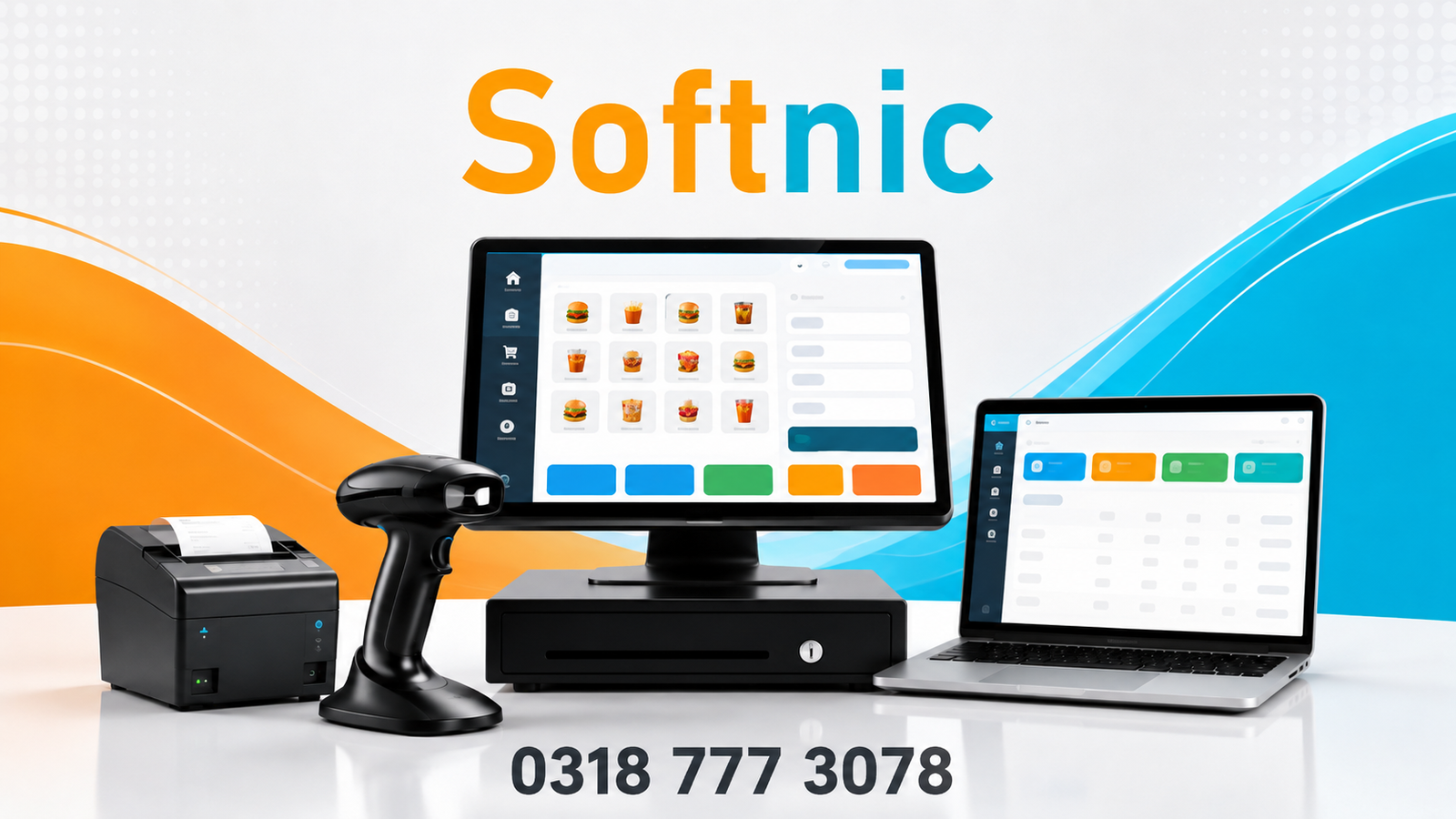
Softnic POS Software in Pakistan – Smart Billing, Inventory & Retail Management
Managing a retail business becomes difficult when sales, stock, purchases, expenses, customer records, and receipts are handled separately. Softnic POS software in Pakistan brings these important daily operations together in one practical point-of-sale system designed to make billing and retail management easier.
Developed by Softnic Solutions, Softnic POS is designed for businesses that need more than a basic calculator or invoice generator. It combines billing with product management, barcode handling, purchases, suppliers, discounts, expenses, returns and exchanges, reports, thermal receipt printing, user access controls, and other tools used in everyday retail operations.
Whether you operate a clothing store, general retail shop, cosmetics business, electronics store, wholesale outlet, or another product-based business, a structured POS system can give you better control over transactions and business records.
What Is Softnic POS Software?
Softnic POS is a retail point-of-sale and billing system developed by Softnic Solutions to manage sales, products, stock-related records, purchases, customers, suppliers, expenses, returns, receipts, and business reports from one system.
Instead of maintaining different notebooks or spreadsheets for every part of the business, the POS provides a central interface for common retail operations.
The software is built around a simple goal: make everyday billing fast while keeping the information business owners need for managing their operations.
For a cashier, that means creating bills and finding products quickly. For a business owner or administrator, it means having access to sales history, financial reports, product information, expenses, purchases, and other important records.
Why Do Retail Businesses Need Modern POS Software?
A growing shop can generate hundreds or thousands of transactions over time. Recording those transactions manually makes it harder to answer simple business questions.
How much did you sell today? Which products were sold? What stock is available? What did you purchase? How much was spent on business expenses? Was an order returned or adjusted? What was the gross profit for a period?
A well-organized retail POS system keeps the information connected to the transaction instead of leaving it scattered across notebooks and files.
Softnic POS is designed to help businesses move from manual record keeping toward a structured digital workflow.
Key Features of Softnic POS Software
Fast Billing and Sales Management
Billing is the center of the Softnic POS workflow.
Cashiers can add products to a current bill, adjust quantities, apply permitted discounts, remove items, and complete a transaction. The system also provides product search and quick-add functionality to make billing more efficient.
Softnic POS includes keyboard shortcuts such as F1 for product search and F12 for Quick Add, helping users who prefer keyboard-based billing.
Barcode scanning can also be incorporated into the billing workflow, making the system suitable for stores processing many products throughout the day.
Barcode and Product Management
Managing product identification correctly becomes increasingly important as a store grows.
Softnic POS provides product management with barcode support. Each product can have a permanent barcode, and the software supports barcode generation and barcode printing.
The current system is designed around one permanent barcode per product. A barcode registry also helps prevent previously assigned barcodes from accidentally being reused for another product.
This makes barcode-based billing more structured for stores with larger product catalogs.
Purchases, Suppliers and Stock Records
Sales tell you what is leaving the business, while purchase records help show what is coming in.
Softnic POS includes functionality for recording purchases and managing supplier information. This allows a business to keep its purchasing activity connected with its product and stock records.
For retailers and wholesalers, this is useful because sales management alone is not enough. Owners also need visibility into product purchasing and available quantities.
Returns and Exchanges
Returns and exchanges can create accounting and stock problems when they are recorded manually.
Softnic POS includes an order-adjustment workflow that allows an existing sale to be selected and adjusted when products are returned or exchanged.
The software can account for differences between the original and adjusted order. If the revised total is lower, the workflow can indicate a refund amount. If it is higher, it can indicate that the customer needs to pay more.
This keeps the adjustment connected with the original transaction and helps maintain more consistent sales and stock records.
Store, Category and Product Discounts
Discount management can become complicated when a business runs promotions across different groups of products.
Softnic POS provides discount options at three levels:
- All Store – for a store-wide promotion.
- Category – for products within a selected category.
- Product – for a specific product.
The system uses a defined priority when multiple discount rules could apply, with product-specific discounts taking priority over category discounts and category discounts taking priority over store-wide promotions.
This gives retailers a practical way to manage promotions without manually changing the price of every item.
Expense Management
Sales revenue alone does not show how a business is performing.
Softnic POS includes expense recording so operational expenses can be included when reviewing business results. In its reporting logic, expenses affect net profit rather than being treated as a reduction in sales revenue.
Keeping expense records alongside sales information can make daily and monthly performance easier to understand.
Business Reports and Profit Tracking
Business owners need information, not just receipts.
Softnic POS includes reporting functionality covering important retail figures such as revenue, cost of goods, gross profit, discounts, returns, expenses, net profit or loss, payment information, items sold, purchases, and stock-related values.
Daily and monthly reporting options are available for administrators.
A business owner can therefore use the POS not only to process transactions but also to review what happened during a selected business period.
That is an important difference between simple billing software in Pakistan and a broader retail POS management solution.
Sales and Order History
Previous transactions remain important after a customer leaves the counter.
Softnic POS provides sales and order history functionality so authorized users can review previous bills and perform supported actions such as viewing, reprinting, returning, exchanging, or adjusting an order.
This creates a clearer transaction history than relying exclusively on printed receipts.
Thermal Receipt Printing
Softnic POS includes support for thermal receipt printing.
The current receipt system has been developed for ESC/POS-style thermal printing and includes a Windows-based fallback printing method when required. Receipt layouts include business information, items, quantities, rates, amounts, totals, and relevant transaction details.
Shop information and branding can be taken from the POS settings so receipts can represent the business using the system.
The software also supports receipt reprinting from order history.
For supported thermal printers with compatible cutting functionality, the software contains auto-cut support.
Printer compatibility should always be confirmed for the hardware a business intends to use.
User Accounts and Access Control
Not every employee should necessarily have access to every part of a POS system.
Softnic POS includes user functionality and role-based access controls. Administrative areas can be restricted while cashiers receive access to the functions they need for normal operations.
For example, sensitive areas such as administrative reports, settings, and user management can be kept under administrator control.
This is particularly useful for businesses where the owner manages financial information while employees handle daily counter sales.
Backup and Restore
Business data is valuable.
Softnic POS includes backup and restore functionality, giving businesses a way to manage copies of their POS data and restore them when required.
Businesses should still follow a regular backup routine and keep important backups in an appropriate location rather than relying on a single copy.
Who Can Use Softnic POS Software?
Softnic POS is primarily designed around retail billing and product-management workflows. It can therefore be considered for businesses such as:
- Clothing and fashion stores
- General retail shops
- Cosmetics stores
- Shoe stores
- Electronics and accessories shops
- Gift stores
- Mobile accessory shops
- Department-style retail stores
- Wholesalers
- Product-based small and medium businesses
The exact configuration and suitability depend on each business’s products, workflow, hardware, printing requirements, and reporting needs.
Businesses with specialized requirements can discuss those requirements with Softnic Solutions before implementation.
Softnic POS for Clothing and Fashion Stores
Fashion retailers often need to manage many products while keeping checkout quick.
Softnic POS can help organize product records, barcodes, billing, discounts, purchases, expenses, returns, and sales history in one application.
This makes it particularly relevant to boutiques and clothing retailers that want to replace handwritten bills or disconnected sales records with a more organized system.
Softnic POS for Retail Shops in Pakistan
Businesses searching for POS software in Pakistan often need a system that matches practical local retail workflows rather than unnecessary complexity.
Softnic Solutions is based in Daska, Punjab, and its website lists billing software and custom software solutions among its services. Softnic POS is part of that focus on practical business software.
Local businesses can also discuss installation, configuration, business requirements, and compatible hardware directly with the Softnic Solutions team.
Softnic POS vs Basic Billing Software
| Feature | Basic Billing Tool | Softnic POS |
|---|---|---|
| Create sales bills | Usually | Yes |
| Product management | May be limited | Yes |
| Barcode workflow | May vary | Yes |
| Purchases | May vary | Yes |
| Supplier records | May vary | Yes |
| Customer records | May vary | Yes |
| Discounts | Basic in many tools | Store, category and product options |
| Returns/exchanges | May be limited | Yes |
| Expense records | May vary | Yes |
| Sales history | May vary | Yes |
| Daily/monthly reports | May vary | Yes |
| Thermal receipt printing | May vary | Yes |
| User permissions | May vary | Yes |
| Backup and restore | May vary | Yes |
The right choice depends on the complexity of the business. A very small operation may only need simple billing, while a growing retailer usually benefits from keeping sales, stock-related records, purchases, expenses, and reporting connected.
Why Choose Softnic Solutions for POS Software?
Softnic Solutions provides website development, mobile applications, e-commerce solutions, digital marketing, branding, and custom software services in addition to billing and POS solutions.
Having the POS developed and supported by a software company can also be useful when a business has requirements that go beyond basic off-the-shelf billing.
Softnic Solutions is located at 2nd Floor, Tayyaba Boutique, College Road, Daska, Pakistan, and lists +92 318 777 3078 as its contact number.
Businesses interested in Softnic POS can discuss their store type, number of products, barcode requirements, receipt printer, reporting requirements, and other operational needs before choosing a setup.
Frequently Asked Questions About Softnic POS
What is Softnic POS?
Softnic POS is point-of-sale and retail management software developed by Softnic Solutions. It combines billing with product management, barcodes, purchases, suppliers, customers, discounts, expenses, returns and exchanges, sales history, reports, receipt printing, and administrative tools.
Is Softnic POS suitable for retail shops in Pakistan?
Yes, Softnic POS is designed around retail billing and product-management workflows and can be considered by Pakistani shops, boutiques, wholesalers, and other product-based businesses. Suitability should be confirmed according to the individual business’s requirements.
Does Softnic POS support barcode scanning?
The software contains barcode-based product functionality and a scanner-oriented billing workflow. Products can have permanent barcodes, and the system includes barcode generation and printing functionality.
Can Softnic POS print thermal receipts?
Yes. Softnic POS includes thermal receipt printing functionality, including ESC/POS-based receipt printing and a Windows printing fallback. Compatibility depends on the specific printer and driver being used.
Can I manage returns and exchanges in Softnic POS?
Yes. Softnic POS includes a return and exchange adjustment workflow. An existing order can be opened for adjustment, allowing products and quantities to be changed while the system calculates the resulting difference.
Does Softnic POS have sales and profit reports?
Yes. Its reporting functionality includes revenue, cost, gross profit, discounts, returns, expenses, net profit or loss, items sold, purchases, and other business information. Administrative daily and monthly report printing is also supported.
Can Softnic POS manage discounts?
Yes. Discounts can be configured for the entire store, a category, or an individual product. The software uses a defined priority system to determine which promotion applies.
Does the POS include backup functionality?
Yes. Softnic POS includes backup and restore functionality. Businesses should establish a regular backup routine to protect important records.
Can cashiers and administrators have different permissions?
Yes. Softnic POS includes user and role controls so sensitive administrative functionality can be separated from normal cashier operations.
Is Softnic POS only for businesses in Daska?
No. Softnic Solutions is based in Daska, but the POS can be relevant to retail businesses elsewhere in Pakistan subject to their installation, hardware, support, and operational requirements.
Get Softnic POS Software for Your Business
If manual billing, scattered stock records, difficult returns, or incomplete sales information are slowing down your shop, moving to a structured POS system can make daily operations easier to manage.
Softnic POS software in Pakistan brings billing, products, barcodes, purchases, suppliers, customers, discounts, expenses, returns, reporting, and thermal receipt printing together in one retail-focused system.
Before implementation, discuss your business type, products, barcode workflow, printer hardware, reporting needs, and required features with Softnic Solutions so the system can be matched to your operation.
Softnic Solutions
2nd Floor, Tayyaba Boutique, College Road, Daska, Pakistan
Phone: +92 318 777 3078
Choose a POS system that does more than create a bill. Use your sales data to keep your retail operation organized and make better-informed business decisions.


2 Comments
[…] Softnic POS platform unites point‑of‑sale, billing, barcode scanning, and inventory control. It is designed […]
[…] Learn more about Softnic’s POS solutions […]