

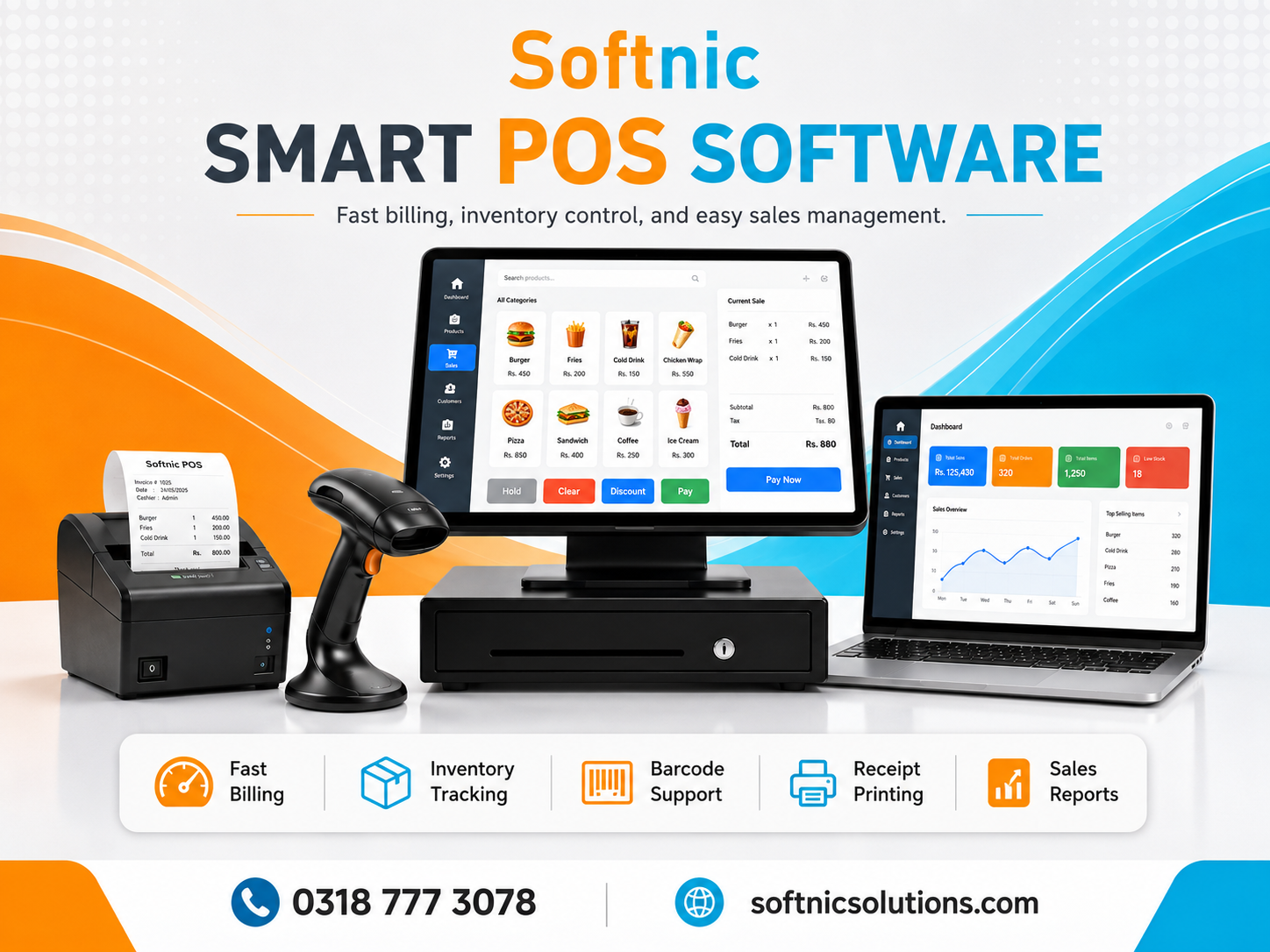
Business Automation Software
Everyday operations often slow down not because of a lack of ambition, but because of repetitive manual tasks. When team members spend hours copying spreadsheet data, chasing internal email approvals, manually generating customer invoices, or reconciling stock counts, core operations stall. Human errors slip into records, turnaround times stretch, and business leaders lose visibility into everyday productivity.
Implementing reliable business automation software resolves these bottlenecks. Rather than relying on staff to manually bridge disconnected systems, automation software coordinates processes, enforces consistency, and allows organizations to scale their operations without experiencing linear overhead costs.
What Is Business Automation Software?
Business automation software refers to technology applications engineered to execute recurring tasks, manage data transfers, and coordinate operational workflows with minimal human intervention. It connects different departments—such as sales, finance, inventory, and support—into a unified digital infrastructure.
While standard productivity tools require a user to initiate every single action, automated systems rely on predefined business logic, trigger events, and automated data routing. When built through custom Automation Software Development, these platforms fit the exact procedural nuances of an organization rather than forcing a business to change its working methods to suit rigid, off-the-shelf software.
Key Operational Areas That Benefit from Automation
Automation yields the strongest return on investment when applied to repetitive, rule-based processes that carry a high risk of manual error or frequent delays. Below are the functional areas where modern organizations gain the most immediate operational advantages.
1. Financial Administration and Invoicing
Manual invoicing leads to delayed cash flow, calculation mistakes, and forgotten follow-ups. Automated systems generate client invoices immediately upon project milestone sign-offs or sales completion, apply applicable sales tax rates automatically, and deliver scheduled payment reminders.
Deploying dedicated Billing Software Development ensures accounts receivable remain up to date, reduces discrepancies between estimates and billables, and links payment transactions directly to the general ledger.
2. Stock Management and Supply Chain Tracking
Tracking stock across multiple physical locations or online storefronts manually creates inventory blind spots, leading to out-of-stock incidents or excess holding costs. Automated systems track unit movements in real time, generate automated reorder notifications when thresholds are reached, and synchronize catalog updates across every active sales channel.
Through focused Inventory Software Development, supply chain teams maintain reliable records from procurement through final fulfillment without constant physical audits.
3. Cross-Departmental Workflows and Approvals
Operational momentum slows when requests sit unseen in an employee’s inbox. Automated routing systems automatically assign incoming leads, route purchase approvals to the appropriate manager based on spend limits, and advance project tasks when preceding steps are completed.
With specialized Workflow Software Development, organizations eliminate procedural ambiguity, establish clear accountability, and maintain audit trails for compliance purposes.
Core Benefits of Automating Business Processes
Transitioning from manual routines to structured automation provides both immediate tactical gains and long-term strategic advantages:
- Reduced Operating Errors: Manual data transcription between platforms inevitably introduces typos, duplicate records, and omissions. Automated pipelines move records accurately every time.
- Better Allocation of Talent: Skilled personnel should focus on strategy, customer relationships, problem-solving, and service delivery, not routine administrative data entry.
- Faster Cycle Times: Routine actions that previously required days of back-and-forth communication occur in seconds, shortening fulfillment times and improving customer satisfaction.
- Actionable Operational Visibility: Because all interactions take place within an integrated software framework, managers can review real-time dashboards to spot bottlenecks before they turn into major delays.
- Sustainable Scalability: When transaction or customer volume doubles, automated architecture handles the expanded throughput without requiring an equivalent increase in administrative headcount.
A Practical Roadmap for Implementing Automation Software
Adopting automated solutions requires deliberate planning. Trying to automate every department at once without structured milestones often leads to user confusion and disjointed data. A phased implementation strategy ensures sustained adoption and steady return on investment.
- Map Current Operations and Identify Bottlenecks: Document your standard daily procedures. Identify where team members spend the most time on manual entry, where information gets misplaced, or where tasks stall waiting for approval.
- Standardize the Underlying Process: Automation amplifies existing efficiency, but it also accelerates flawed workflows. Ensure the manual procedure is logically sound, lean, and consistent before digitizing it.
- Choose the Right Technical Approach: Evaluate whether existing third-party applications can be connected through secure application programming interfaces (APIs), or if your proprietary requirements necessitate end-to-end Business Software Development tailored to your specific organizational model.
- Integrate Systems and Maintain Data Integrity: Ensure your customer relationship database, accounting modules, and fulfillment tools communicate cleanly using centralized databases to prevent conflicting records.
- Train Teams and Iterate: Introduce the new workflows to your workforce with clear procedural documentation. Collect feedback during the early weeks of deployment to resolve usability hitches and adjust operational rules as requirements evolve.
Automation is not meant to replace human judgment; it is built to handle predictable mechanics so your team can apply their judgment where it creates the greatest business impact.
Evaluating Custom Automation Against Generic Tools
Many organizations begin by stitching together disparate third-party web tools using basic connectors. While this approach can resolve simple, single-step tasks, growing businesses often encounter strict limitations:
- Connector Limits and Data Caps: Third-party integration tools frequently impose tier-based record limits that become expensive as data volume expands.
- Inflexible Business Logic: Out-of-the-box software relies on standardized rules that may not accommodate unique billing models, localized tax rules, or multi-step departmental sign-offs.
- Data Security and Ownership: Passing proprietary client records and financial details through multiple external intermediate services raises security concerns and complicates data compliance.
Building a proprietary system through experienced technology partners like Softnic Solutions allows enterprises, growing companies, and regional businesses to retain complete ownership over their data architecture. Tailored systems fit your exact operational flow, scale alongside your workload, and integrate smoothly with existing legacy software.
Building a Strong Foundation for Growth
As markets become more competitive, operational efficiency often decides which businesses stay profitable and which ones struggle with ballooning overhead. Adopting business automation software eliminates the friction of everyday administrative routines, protects your data integrity, and equips your staff with clear, reliable workflows.
By assessing operational bottlenecks, standardizing your key procedures, and deploying reliable software built for your specific requirements, your organization builds a scalable operational engine ready to handle

