

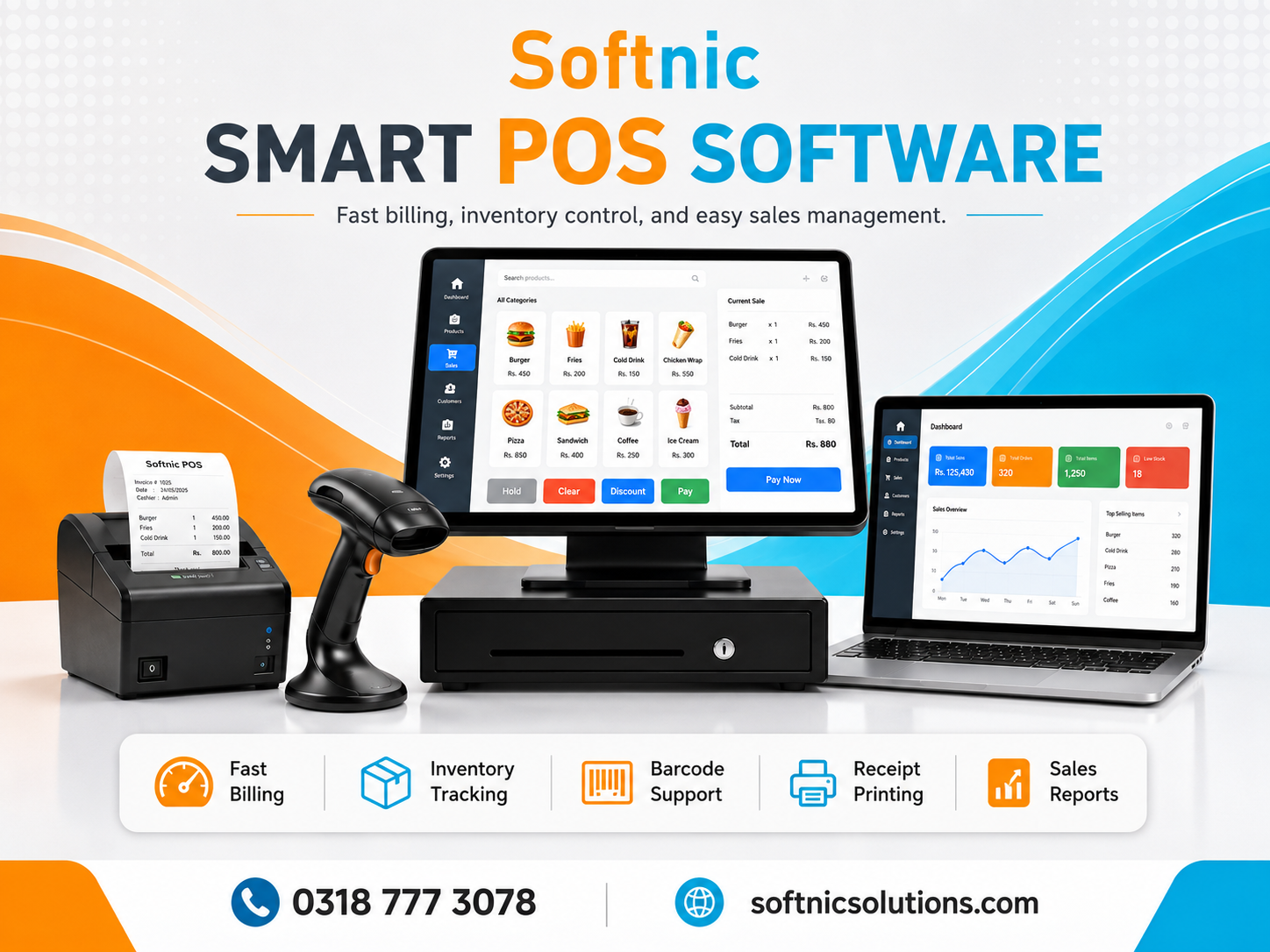
SOFTNIC POS Software Pakistan | Billing, Barcode & Inventory
SOFTNIC POS Software Pakistan – A Smarter Way to Manage Retail Billing, Stock and Daily Shop Operations
Retail businesses are becoming increasingly dependent on speed, accuracy and organized data. Customers expect quick checkout, employees need simple tools, and business owners need reliable information about sales, stock, purchases, expenses and profit.
Managing all of this manually can become difficult as a shop grows.
SOFTNIC POS, developed by Softnic Solutions Daska, is a Windows-based retail management and billing solution designed to bring essential shop operations together in one system.
Instead of using separate software for billing, barcode printing, inventory, purchase records and sales reports, SOFTNIC POS provides an integrated environment built around everyday retail operations.
It is suitable for businesses that want a practical POS software solution in Pakistan with barcode support, thermal receipt printing, inventory management and administrative controls.
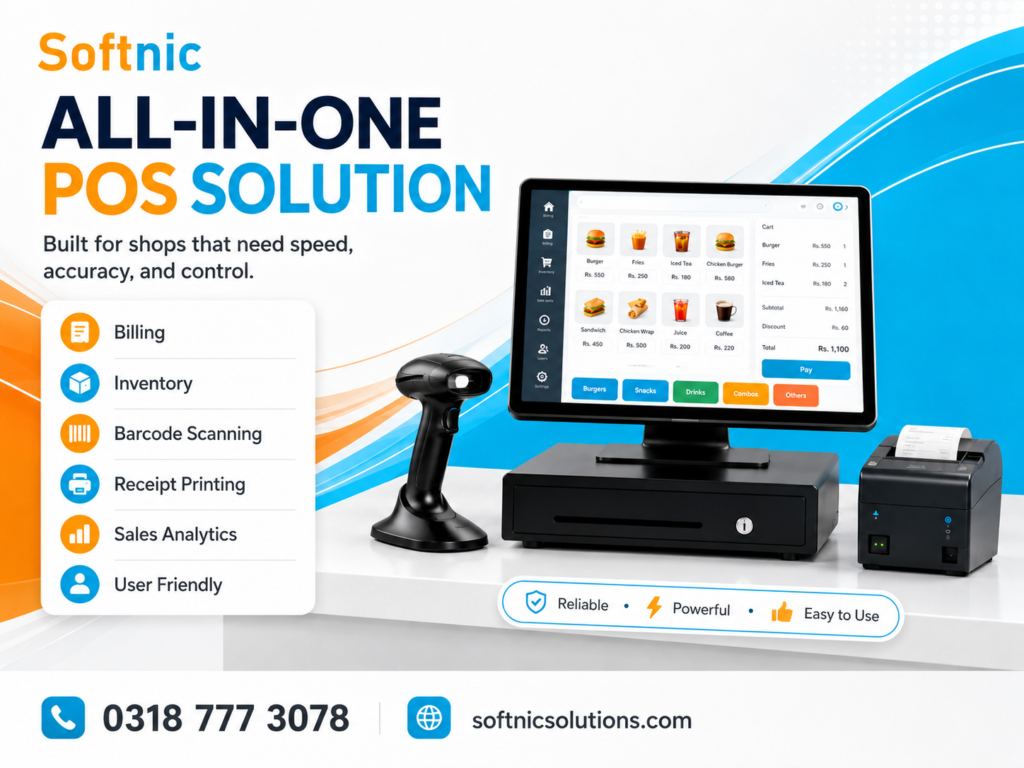
A Complete Point of Sale System for Modern Retail Businesses
A Point of Sale system should do much more than calculate a customer’s total.
Every completed transaction affects several other parts of the business. Products leave stock, revenue is recorded, payment information changes, discounts may be applied, and the transaction may later need to be reviewed, returned or reprinted.
SOFTNIC POS connects these activities through one retail database.
When configured correctly, the same system can be used by cashiers at the counter and by management for monitoring business activity.
This approach helps reduce duplicate work and keeps information more consistent.
Fast Checkout Designed for Barcode-Based Retail
Checkout speed is extremely important in busy shops.
SOFTNIC POS supports barcode scanner input so products with registered barcodes can be added to a bill rapidly.
A cashier does not need to manually search for every product if the item already has a barcode.
The billing workflow is optimized for repetitive scanning, making it suitable for stores where customers commonly purchase several different products in one transaction.
Product search is also available when the barcode is missing, damaged or unavailable.
This combination of barcode scanning and manual product search gives the cashier flexibility without slowing down normal checkout operations.
Clean Billing Screen for Everyday Use
Retail employees should not need technical knowledge to generate a customer bill.
SOFTNIC POS provides a billing interface focused on the operations normally required at the counter.
The current transaction can display products, quantities, rates, discounts and final amounts while keeping common actions easily accessible.
Cashiers can update product quantities, remove an incorrect item, search for products and select the appropriate payment method before completing a sale.
Keyboard shortcuts are also available for frequently used functions, which can improve checkout speed for experienced operators.
Intelligent Barcode Management
Barcode duplication can create serious retail problems.
If two products accidentally use the same barcode, the cashier may bill the wrong item, resulting in incorrect pricing and inaccurate stock.
SOFTNIC POS uses controlled barcode records to reduce this risk.
A product barcode is treated as an important product identifier rather than temporary text.
Historical barcode protection also helps prevent previously used product codes from being carelessly reused for another item.
This approach is particularly helpful for businesses that print their own labels.
Create and Print Product Barcode Labels
Many shops receive products that do not already contain usable retail barcodes.
SOFTNIC POS includes barcode label printing functionality that allows businesses to generate labels using their own barcode printer.
Labels can include important product information such as the barcode, barcode number, business or brand information and selling price, depending on the configured layout.
Multiple standard label dimensions are available, while custom sizing provides additional flexibility.
Users can adjust dimensions according to the actual sticker roll installed in their printer.
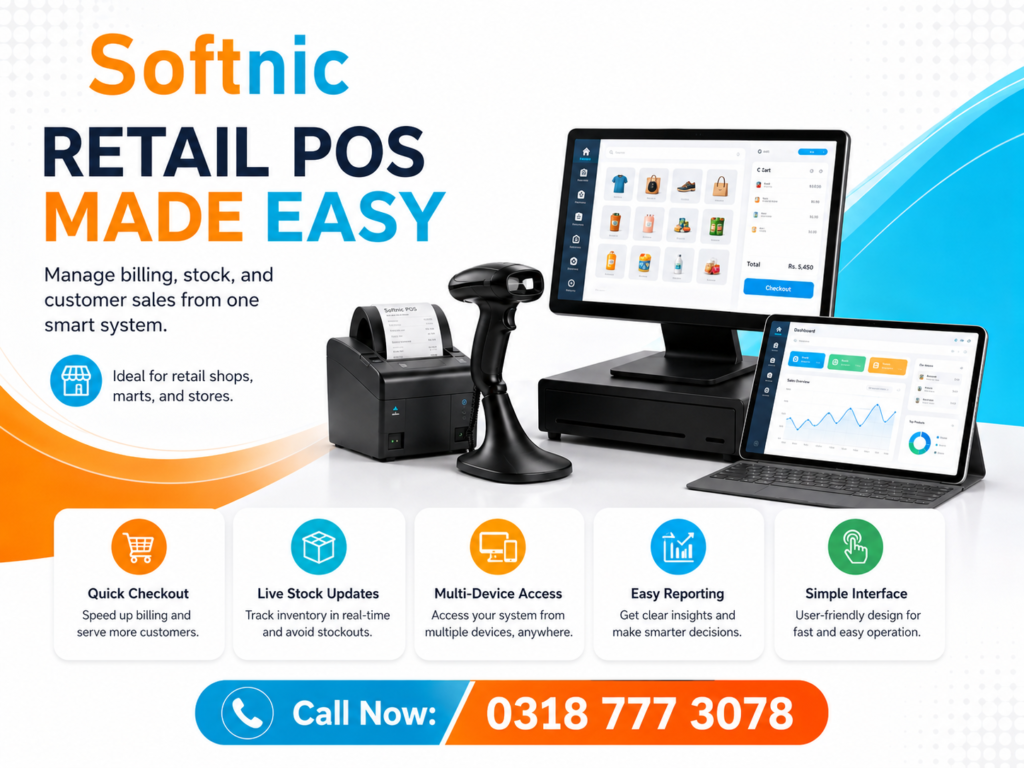
Dedicated Barcode Printer Calibration
Anyone who has worked with barcode printers knows that label dimensions shown in software do not always perfectly match the physical output.
Printer drivers, printable areas and label roll positioning can all affect alignment.
For that reason, SOFTNIC POS provides dedicated barcode calibration settings.
The operator can fine-tune horizontal and vertical positioning using margin controls.
This makes it easier to correct problems such as barcodes printing too far left, price text being cut off or the entire label appearing vertically misaligned.
A preview assists with configuration before printing larger quantities.
Accurate Label Quantity Control
Unexpected duplicate labels waste rolls and create confusion.
SOFTNIC POS controls barcode label quantity at the document level so the requested number of labels corresponds to the number prepared for printing.
If the user asks for one label, the software prepares one label.
If multiple labels are requested, the system generates the corresponding quantity.
This is particularly useful when printing individual labels during product creation or stock receiving.
Professional 80mm Thermal Receipt Support
The printed receipt remains an important part of retail transactions.
SOFTNIC POS supports thermal receipt printing with a layout designed around typical retail bill information.
A receipt can contain business identity details, transaction information and itemized sale data.
Shop branding can include the business name, logo, address, contact information and receipt note.
Transaction information can include bill number, date, cashier, products, quantities, rates, subtotal, discounts, grand total and payment information.
The receipt system is designed to provide a clear layout that can be easily read by both customers and staff.
Thermal Printer Calibration for Better Alignment
Different receipt printers may not position the same content identically.
Even two computers using similar printers can behave differently because of printer drivers, paper settings or hardware margins.
SOFTNIC POS includes receipt calibration so the installation can be adjusted according to the actual printer being used.
Left, right, top and bottom positioning can be tuned without redesigning the receipt.
This is especially useful when deploying the software to different stores or replacing an existing receipt printer.
Custom Business Branding on Receipts
Generic receipts can make a business appear less professional.
SOFTNIC POS allows businesses to configure their shop identity so printed bills better represent the actual store.
The receipt may display the shop name, logo, phone number, email address and physical address.
Businesses can also configure receipt notes according to their requirements.
This allows one POS platform to be adapted for different retail companies without manually editing receipt code.
Configurable Receipt Footer
The bottom of the receipt can also be customized.
A business may want to print a thank-you message, contact information, service message or promotional line.
SOFTNIC POS includes configurable footer text with formatting options.
Businesses that do not want a footer can leave it empty instead of being forced to print unnecessary text.
This creates a cleaner receipt when additional branding is not required.
Product and Pricing Management
Retail businesses often manage hundreds or thousands of product records.
SOFTNIC POS provides a structured product catalogue where businesses can maintain important product information.
Product records can contain information such as product name, SKU, barcode, brand, category, unit, purchase cost, selling price, stock quantity and minimum stock level.
Keeping this information in one database means the same product record can be used for billing, inventory tracking, purchase entry and barcode label printing.
Categories and Brands for Better Organization
Large product catalogues become difficult to manage without grouping.
SOFTNIC POS allows products to be organized using categories and brands.
For example, a supermarket may separate products into beverages, grocery, personal care and household goods.
A clothing business could use categories for shirts, trousers, footwear or accessories while using brands separately.
Structured product organization helps administrators maintain their catalogue more efficiently.
Inventory Management Connected to Sales
Inventory management is most useful when stock automatically reflects actual business activity.
When tracked items are sold through SOFTNIC POS, the corresponding inventory quantity can be updated.
Purchases can increase stock while legitimate returns can restore returned quantities according to the configured workflow.
This removes much of the manual work required when sales and inventory are managed using separate applications.
The system also maintains inventory movement information to provide better traceability of stock changes.
Purchase and Supplier Management
Stock does not simply appear in a shop; it arrives through purchases.
SOFTNIC POS includes purchase management features so incoming stock can be recorded within the same business system.
Supplier information can be maintained for organizations or individuals providing products to the business.
Recording purchases allows management to better understand inventory additions and purchasing activity.
Purchase returns can also be handled where goods need to be sent back to suppliers.
Customer Records
Certain businesses need more than anonymous walk-in sales.
SOFTNIC POS includes customer management capabilities so customer information can be maintained when required.
This can be useful for repeat customers, corporate customers, account-based sales or businesses that want a better record of whom they serve.
Customer information can also make transaction lookup easier in some workflows.
Sales History and Receipt Reprinting
Previous transactions should not disappear once the customer leaves the counter.
SOFTNIC POS maintains sales history so authorized users can review completed transactions.
This is useful when investigating customer queries, checking previous prices, reviewing payment information or locating a transaction for a return.
Authorized staff can also reprint receipts when needed.
Permission controls can be used so receipt reprinting is not automatically available to every employee.
Returns and Exchanges
Returns are one of the areas where basic billing software often becomes difficult to use.
SOFTNIC POS includes workflows for processing returns and exchanges against previous sales.
Working from the original transaction helps maintain a stronger connection between the returned item and the original bill.
It also supports more accurate inventory handling because returned quantities can be linked to the products originally sold.
This is much safer than manually increasing stock after giving the customer a refund.
Discount Management
Discounts can directly affect business profit, so they should not always be unrestricted.
SOFTNIC POS supports discounts at both product and bill level.
Businesses can configure whether individual users are allowed to apply discounts and can also define percentage limits.
For example, management may allow a cashier to offer small customer discounts while keeping larger reductions restricted.
This provides more control than allowing every user unlimited pricing authority.
Price Override Controls
Occasionally, management may need to temporarily modify the selling price of an item during billing.
Price override functionality can be controlled through user permissions.
This allows businesses to provide flexibility to trusted employees while preventing ordinary cashier accounts from changing prices without authorization.
Separate User Accounts for Better Control
A retail system shared by several employees should not treat every user as an administrator.
SOFTNIC POS supports individual user accounts with different permissions.
An administrator can control which actions are available to specific cashiers.
Permissions can cover sensitive operations such as discounts, sales returns, receipt reprinting, price overrides, quick product creation and cash drawer access.
This helps protect business data while still allowing employees to perform their required duties.
Cashier Shift Management
Businesses operating multiple cashier shifts often need to know who handled the cash drawer during a particular period.
SOFTNIC POS includes cashier shift functionality that can organize sales and cash-related activity around an open shift.
A shift can include opening cash and closing calculations.
This provides an additional layer of accountability, especially when different employees use the same checkout terminal during the day.
Require an Open Shift Before Billing
Businesses that want stricter cashier procedures can use shift-based controls.
When configured, the POS can require the cashier to have an active shift before completing sales.
This helps prevent transactions from being recorded outside the intended shift structure.
For stores that do not require formal cashier shifts, the setting can remain optional.
Cash In and Cash Out Records
Money inside the cash drawer does not always come exclusively from sales.
A manager may add cash to the drawer, or the cashier may use money from the drawer for an approved expense.
SOFTNIC POS can maintain cash movement records so these actions are distinguishable from customer transactions.
Recording these movements can make closing cash calculations more accurate.
Expense Tracking
Revenue is not the same as profit.
A shop may generate strong sales while still losing money because of rent, utilities, staff costs or other business expenses.
SOFTNIC POS allows expenses to be recorded separately.
Including expenses in business reporting gives owners a better understanding of actual business performance rather than looking only at total sales.
Business Reports for Owners and Managers
SOFTNIC POS provides reporting functionality designed to help management understand business activity.
Reports may include information related to sales, cost of goods, gross profit, discounts, returns, expenses, payment types, purchases and inventory value.
Daily and monthly reporting provides different views of business performance.
This information can help owners identify trends, compare periods and make better purchasing or pricing decisions.
Current Inventory Value
Knowing how many products are in stock is useful, but understanding their financial value is even more important.
SOFTNIC POS can use purchase cost and current stock quantities to calculate an estimated inventory value.
This gives business owners a clearer picture of how much capital is currently tied up in physical products.
Audit History for Important Actions
When several employees use the same system, business owners may want additional accountability.
SOFTNIC POS includes audit functionality for important application operations.
Audit records can assist administrators when investigating changes, reviewing configuration activity or identifying who performed a sensitive operation.
Backup and Restore Protection
A retailer can replace damaged hardware, but lost business data can be much harder to recover.
SOFTNIC POS provides backup and restore functionality to help protect the business database.
The restore workflow includes integrity checking so obviously damaged database files are less likely to replace an active working database.
A safety backup can also be created as part of the recovery process.
Businesses should still maintain external backups on another drive, computer or secure storage location.
Windows-Based Retail Software
SOFTNIC POS is designed as a Windows desktop application.
For many retail businesses, a local Windows POS can be convenient because existing checkout computers, barcode scanners and printers commonly use Windows drivers.
A local installation can also provide a straightforward environment for stores that prefer dedicated billing computers.
Hardware compatibility will still depend on the specific printer or scanner model and its Windows driver.
Suitable for Many Retail Business Types
SOFTNIC POS is not limited to one type of store.
Its product, barcode, stock and billing structure can be adapted for many businesses.
Potential users include supermarkets, grocery stores, cosmetics stores, clothing shops, boutiques, shoe stores, mobile accessory shops, electronics retailers, medical and general retail stores, gift shops, stationery businesses, hardware retailers, auto-parts stores and other product-based businesses.
Why Businesses Choose an Integrated POS System
Using different applications for billing, inventory and purchases creates duplicate work.
The cashier may complete sales in one system while the owner manually updates inventory somewhere else.
Eventually the numbers stop matching.
An integrated POS system reduces this problem because multiple operations work from the same product and transaction database.
SOFTNIC POS combines counter billing with back-office retail management so business information remains more connected.
Download SOFTNIC POS for Windows
Businesses interested in modernizing their retail counter can download the Windows version of SOFTNIC POS from the official product page.
Your download page should clearly display the current release version, Windows compatibility, application file size and release date.
For additional security and transparency, an SHA-256 checksum can also be displayed beside the executable download.
A clear call-to-action can be used:
Download SOFTNIC POS for Windows
You can also add screenshots of the billing screen, product management, barcode label preview, thermal receipt, reports and settings to improve conversion from search visitors.
About Softnic Solutions Daska
Softnic Solutions Daska develops software and digital solutions for businesses looking to improve productivity and automate everyday operations.
SOFTNIC POS is designed as a practical retail solution combining billing, barcode management, inventory control and business reporting within a single Windows application.
Businesses looking for installation assistance, customization or information about SOFTNIC POS can contact Softnic Solutions directly.
Softnic Solutions Daska
Website: softnicsolutions.com
Phone / WhatsApp: 0318 777 3078
Email: hamza.arshad.gc@gmail.com
Office: 2nd Floor, Tayyaba Boutique, College Road, Daska
No administrator passwords, recovery passwords, authorization credentials or other private software credentials should be published on the public website or download page.
SOFTNIC POS – Retail Software Built for Pakistani Businesses
Pakistan has a large number of independent retailers and growing small-to-medium businesses that are moving away from handwritten bills and basic calculators.
A proper retail POS can help these businesses process customers faster, reduce billing mistakes, monitor inventory and maintain professional transaction records.
SOFTNIC POS brings these functions together while keeping the familiar Windows desktop environment used by many businesses across Pakistan.
Whether the business has a single billing counter or several employees handling different areas of operation, the software can be configured around the organization’s requirements.
Frequently Asked Questions
Is SOFTNIC POS a billing software?
Yes. Billing and checkout are core functions of SOFTNIC POS, along with barcode scanning, inventory, purchases and business management features.
Does SOFTNIC POS work with a barcode scanner?
Yes. Products with saved barcodes can be scanned from the billing screen using compatible barcode scanner hardware.
Can I print barcode stickers from the software?
Yes. SOFTNIC POS includes barcode label printing with selectable dimensions, custom label sizing and printer calibration.
Can it manage product stock?
Yes. Inventory can be associated with product sales, purchases, returns and other stock movements.
Can I print customer receipts?
Yes. The software supports thermal receipt printing and customizable business information.
Can I customize the receipt for my shop?
Yes. Shop details, branding, printer positioning and configurable footer information are supported.
Can employees have different permissions?
Yes. Cashier accounts can have different privileges from administrator accounts, including controls for discounts, returns, reprints and other sensitive functions.
Does the software maintain sales history?
Yes. Authorized users can review previous transactions and access related bill information.
Does SOFTNIC POS provide reports?
Yes. Reporting functions can help businesses analyze sales, discounts, returns, costs, expenses, payment methods and stock information.
Does it support returns and exchanges?
Yes. Return and exchange workflows are available for eligible previous transactions.
Is SOFTNIC POS suitable for Pakistani retailers?
Yes. It is designed around common retail billing workflows, rupee-based pricing, barcode hardware and thermal printing used by many shops in Pakistan.


4 Comments
[…] Explore our POS and Billing Software in Pakistan for a deeper look at how our system handles everything from basic sales to complex multi-location inventory control. […]
[…] in Daska, Punjab, Softnic Solutions specializes in delivering POS and billing software tailored for Pakistani businesses. Our solution merges industry‑specific features with the flexibility demanded by diverse […]
[…] Solutions builds POS software with these local requirements in mind, including FBR-ready invoicing and offline-first […]
[…] Solutions offers SOFTNIC POS Software Pakistan | Billing, Barcode & Inventory, a feature‑rich platform built specifically for the Pakistani retail market. Its strengths […]