


Retail Billing & Barcode POS Software
SOFTNIC POS – Complete Retail Billing, Barcode, Inventory & Shop Management Software
Running a retail business requires more than simply creating a bill. Shop owners need fast barcode scanning, accurate stock management, professional receipts, reliable sales records, product management, returns and exchanges, purchase tracking, user controls and useful business reports.
SOFTNIC POS, developed by Softnic Solutions Daska, combines these essential retail operations into one Windows-based point-of-sale solution.
The software is designed for shops and retail businesses that need a straightforward billing system without sacrificing important management features. From scanning a product at the counter to printing the final thermal receipt, SOFTNIC POS is designed to keep daily retail operations fast and organized.
Businesses can use SOFTNIC POS for billing counters, product barcode management, inventory control, purchase management, returns, exchanges, sales history, business reporting and much more.
USERNAME : admin
PASSWORD: admin1122
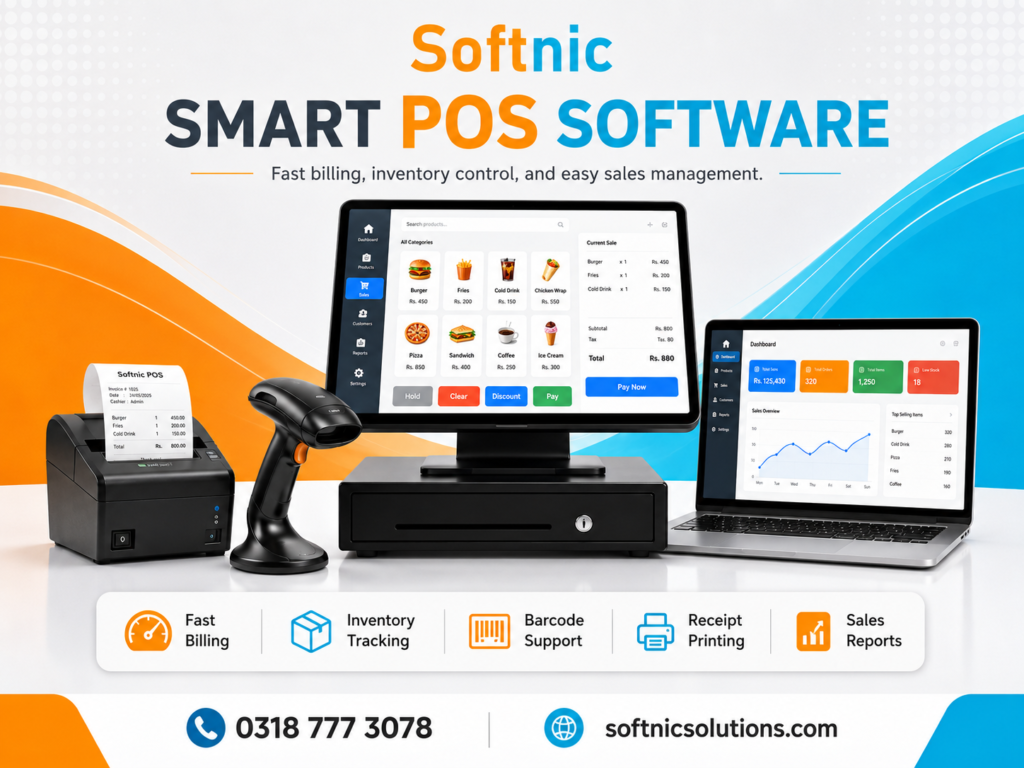
What Is SOFTNIC POS?
SOFTNIC POS is a desktop Point of Sale and retail management application built for Windows computers.
It provides businesses with a central system for managing:
- Retail billing and checkout
- Barcode scanning
- Barcode label printing
- Products and stock
- Purchases
- Sales history
- Returns and exchanges
- Customers and suppliers
- Discounts
- Expenses
- Business reports
- Thermal receipt printing
- User and cashier access
- Printer calibration
- Backup and business data management
The software is intended to make checkout fast for cashiers while still providing business owners with deeper management tools.
Fast Barcode Billing for Retail Counters
One of the most important parts of a POS system is speed.
SOFTNIC POS is designed around quick barcode-based billing. When a barcode scanner reads a registered product barcode, the corresponding product can be added directly to the current bill.
The billing system includes optimized barcode lookup and scanner handling to reduce unnecessary delay during continuous scanning.
When a product is added, the billing interface gives visual feedback so the cashier can immediately confirm that the item was successfully added.
This makes SOFTNIC POS suitable for stores where multiple products must be scanned quickly during busy hours.
Permanent Product Barcode Management
SOFTNIC POS uses a controlled barcode system designed to prevent barcode duplication.
Each product can have its own permanent barcode identity. Previously assigned barcodes remain protected so they are not accidentally reassigned to another product later.
This helps prevent problems such as:
- Wrong products opening during scanning
- Duplicate barcode assignments
- Old barcode labels becoming associated with a different product
- Incorrect billing because of reused codes
The software also supports barcode generation and barcode label printing.
Barcode Sticker and Label Printing
SOFTNIC POS includes dedicated barcode label printing features.
Businesses can select common sticker dimensions or configure custom label sizes according to the barcode printer and label roll they are using.
The barcode printing system provides controls for:
- Label width
- Label height
- Left margin
- Right margin
- Top margin
- Bottom margin
- Barcode positioning
- Label preview
- Printer selection
- Print quantity
The barcode itself is centered within the configured label area to help prevent one side of the barcode from being cut during printing.
Barcode numbers, product information and pricing can also be displayed on the sticker.
This makes the system useful for businesses that generate their own barcode labels for products.
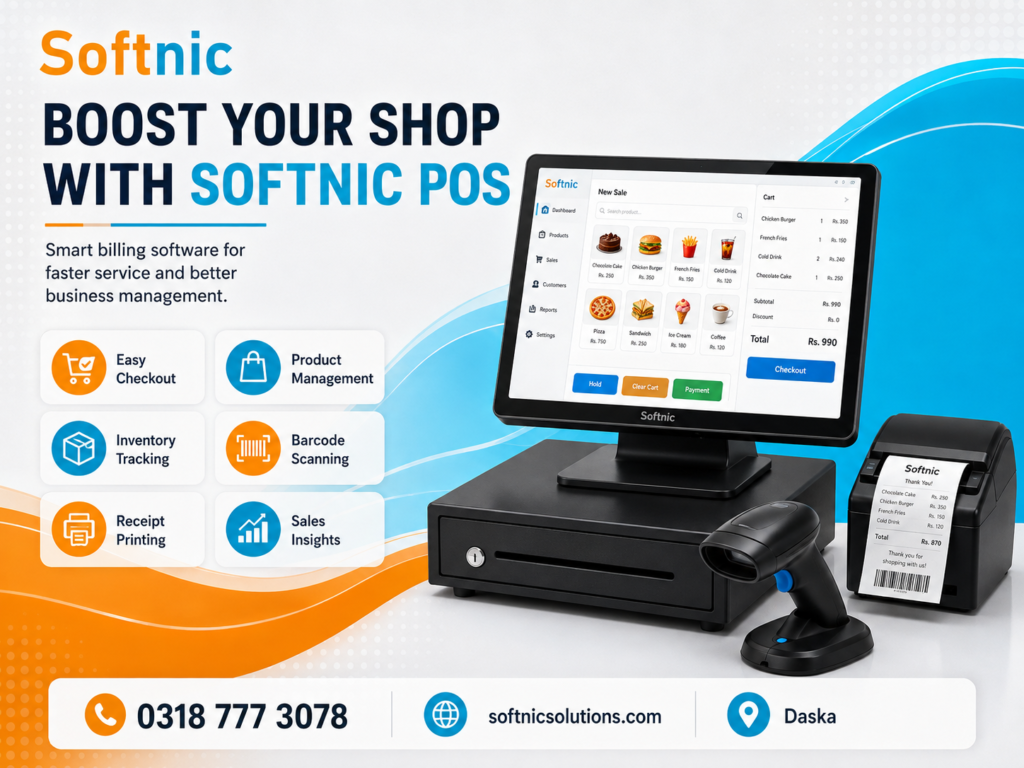
Exact Barcode Label Quantity
Barcode label quantity is controlled by the requested print quantity.
For example, when one barcode label is requested, the system creates one label page. When multiple labels are requested, the corresponding number of label pages is generated.
This helps reduce unwanted continuous printing from label printers.
Professional Thermal Receipt Printing
SOFTNIC POS includes dedicated thermal receipt printing for retail counters.
Receipts can include:
- Shop logo
- Shop name
- Address
- Phone number
- Email address
- Bill number
- Date and time
- Cashier
- Product name
- Quantity
- Rate
- Amount
- Discounts
- Subtotal
- Grand total
- Payment information
- Custom receipt note
- Custom footer
Receipt values are formatted clearly for retail use, including support for whole-rupee pricing without unnecessary decimal zeros where appropriate.
The receipt system also supports automatic paper cutting on compatible ESC/POS thermal printers.
Receipt Printer Calibration
Different thermal printers and printer drivers can position content differently.
To solve this practical problem, SOFTNIC POS provides receipt printer calibration controls.
The software allows adjustment of:
- Left positioning
- Right positioning
- Top spacing
- Bottom spacing
A receipt preview helps the operator understand how the selected settings affect the final print.
This is especially useful when installing the software at different shops using different thermal printer models or Windows printer drivers.
Barcode Printer Calibration
Barcode printers can also vary significantly in printable area and driver configuration.
SOFTNIC POS therefore provides separate calibration settings for barcode labels.
Users can select the actual sticker size and then fine-tune margins when necessary.
This provides flexibility when working with different barcode printer brands and different label rolls.
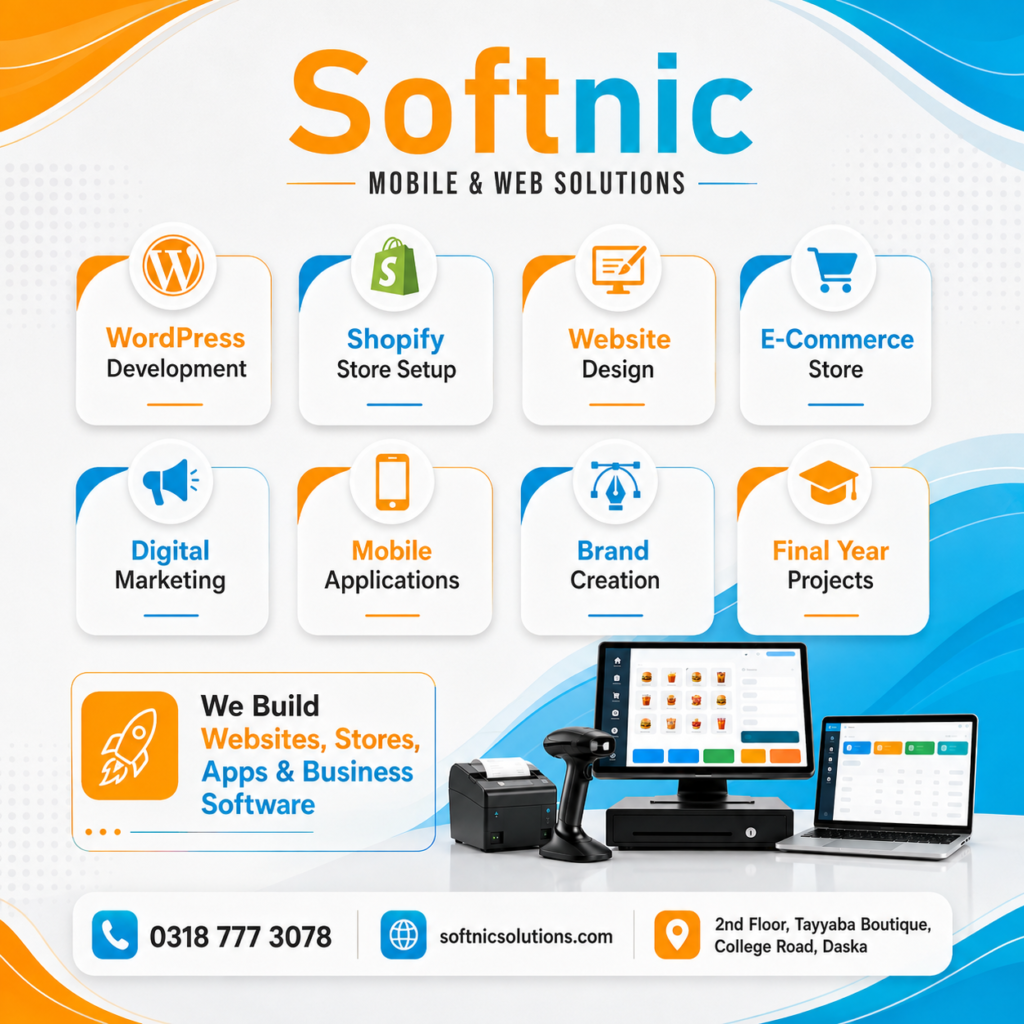
Clean Retail Billing Interface
The billing interface is designed around day-to-day cashier use.
A cashier can quickly:
Search for products, scan barcodes, add items, change quantities, remove products, apply permitted discounts, select payment methods and complete bills.
The current bill clearly displays product information including quantity, price and total amount.
The software also provides keyboard shortcuts for frequently used billing operations, helping experienced cashiers work faster without constantly using the mouse.
Product Search and Price Checking
Products can be found by barcode or product information.
This is useful when a barcode cannot be scanned or when a customer asks for the price of a particular item.
The POS includes product search and price-check functionality so the cashier can quickly retrieve product details.
Product Management
SOFTNIC POS provides product management capabilities for maintaining a retail catalogue.
Product information can include details such as:
Product name, SKU, category, brand, unit, purchase price, sale price, stock quantity, minimum stock level and barcode.
This allows the business to maintain both billing and inventory information from the same system.
Inventory and Stock Management
Stock management is integrated with the sales and purchase workflow.
When tracked products are sold, inventory can be reduced accordingly. Returns, purchases and inventory adjustments can also affect stock.
The system contains inventory movement tracking so stock changes can be associated with business operations.
This gives business owners better visibility into how inventory quantities are changing.
Purchase Management
SOFTNIC POS is not limited to sales.
The software also includes purchase management for recording stock received from suppliers.
Businesses can maintain supplier-related purchase records and update product quantities when stock is purchased.
Purchase return functionality is also available for relevant workflows.
This means both incoming and outgoing stock can be managed within the POS system.
Sales History and Bill Management
Completed sales remain available through the Sales / Order History area.
This enables authorized users to review previously created bills and related transaction information.
The system supports receipt reprinting for users who have permission to perform that operation.
This is useful when customers require another receipt or when staff need to review a historical transaction.
Returns and Exchanges
SOFTNIC POS contains dedicated return and exchange functionality.
Instead of creating unrelated manual stock adjustments, staff can work from the original transaction.
The system can identify the original bill and its products, allowing returned quantities and replacement items to be managed more accurately.
Return and exchange functionality helps maintain a clearer relationship between sales history and stock movement.
Order Adjustment Workflow
SOFTNIC POS also includes an order adjustment workflow for situations where an existing bill must be corrected.
Depending on the workflow and permissions, authorized users can review an existing bill and adjust products, quantities, discounts and payment-related information.
Keeping corrections associated with the original transaction provides better traceability than creating unrelated replacement bills.
Customer Management
Customer records can be maintained inside the software.
This can be useful for businesses that regularly deal with known customers or want customer information associated with transactions.
Customer details may include contact and address information depending on the shop’s requirements.
Supplier Management
Suppliers can also be managed within SOFTNIC POS.
Supplier records support purchase-related workflows and make it easier to organize information about businesses supplying products to the shop.
Categories and Brands
Products can be grouped using categories and brands.
This keeps larger product catalogues easier to organize and manage.
It also helps staff find products more efficiently when the shop contains many different product types.
Discount Controls
SOFTNIC POS supports item-level and bill-level discounts.
User accounts can be configured with discount permissions and discount limits.
This allows businesses to control which staff members are allowed to provide discounts and how large those discounts may be.
Such controls are particularly useful when multiple cashiers use the same POS system.
Cashier and Administrator Accounts
SOFTNIC POS supports user accounts with different responsibilities.
Administrators can manage sensitive areas of the software while cashier access can be limited according to business requirements.
Configurable controls can cover operations such as:
- Applying discounts
- Reprinting receipts
- Processing returns
- Price overrides
- Quick product creation
- Cash drawer operations
- Cash movements
- Viewing sales history
This helps business owners reduce unnecessary access to sensitive operations.
Cashier Shift Management
The system contains cashier shift functionality for businesses that want to organize cash handling by staff shift.
Shift management can track information such as opening cash, sales activity, cash movements and closing totals.
This can be useful for businesses with multiple cashiers or separate working shifts.
Cash In and Cash Out Management
Cash movements can be recorded within the POS environment.
This helps differentiate sales receipts from other cash entering or leaving the till.
For example, a shop may need to record money added to the drawer or expenses paid directly from cashier funds.
When used together with cashier shifts, this provides a clearer picture of expected cash totals.
Expense Management
Business expenses can be recorded separately from sales.
This is important because revenue alone does not show actual business performance.
Recording expenses helps management reports calculate a more meaningful view of profit and loss.
Daily and Monthly Business Reports
SOFTNIC POS provides reporting features for reviewing business activity.
Reports can include important figures such as:
- Revenue
- Cost of goods sold
- Gross profit
- Discounts
- Returns
- Expenses
- Net profit or loss
- Cash payments
- Online payments
- Stock purchases
- Number of valid bills
- Items sold
- Current stock value
Daily and monthly report printing can help business owners review performance without manually calculating figures from individual bills.
Stock Value Tracking
Current stock value can be calculated using product inventory and cost information.
This gives the shop owner an estimate of the value currently held in inventory.
For retail businesses with a large amount of physical stock, this can be an important management figure.
Audit Log
SOFTNIC POS contains audit logging for important operations.
Audit records can help administrators understand when certain business or configuration actions were performed.
This provides additional accountability when multiple users operate the system.
Backup and Restore
Business data is valuable.
SOFTNIC POS includes backup and restore functionality designed to help protect shop data.
The restore process includes database integrity checking and can maintain a safety backup before replacing active business data.
Regular backups are still strongly recommended, particularly before major computer or software changes.
Shop Branding
Businesses can configure their own shop information.
Depending on configuration, receipts can display:
- Shop name
- Shop logo
- Address
- Phone number
- Receipt note
This allows the printed receipt to represent the actual business using the software.
Custom Receipt Footer
SOFTNIC POS includes a configurable receipt footer.
The footer can be customized for text appearance and can support options such as font size, normal text, bold styling and italic styling.
The footer can also be intentionally left empty when the business does not want an additional footer printed.
Protected configuration helps prevent normal cashier users from accidentally altering branding-related settings.
Multiple Payment Methods
Retail businesses increasingly receive payments through more than cash.
SOFTNIC POS supports payment-type recording so bills can distinguish between available payment methods such as cash and electronic/online transactions where configured.
This information can also be reflected in business reports.
Automatic Cash Drawer Support
Compatible cash drawers connected through supported receipt printers can receive drawer-opening commands from the POS.
Businesses can control automatic drawer behavior according to their setup.
Works With Common Retail Hardware
SOFTNIC POS is designed around typical Windows retail hardware, including:
- Windows desktop or laptop
- USB barcode scanner
- Thermal receipt printer
- Barcode label printer
- Cash drawer connected through compatible POS hardware
Actual printer behavior can vary according to printer model, firmware and Windows driver, which is why SOFTNIC POS includes separate printer calibration controls.
Designed for Different Types of Retail Businesses
SOFTNIC POS can be useful for many retail environments, including convenience stores, clothing shops, cosmetics stores, mobile accessory stores, general stores, supermarkets, boutiques, electronics stores, spare-parts businesses and other barcode-based retail counters.
The product catalogue, barcode system and billing workflow can be adapted to different types of physical retail inventory.
SOFTNIC POS for Businesses in Pakistan
SOFTNIC POS has been designed around practical retail workflows, including rupee-based billing, barcode scanning and thermal receipt printing.
For local businesses looking for POS software in Pakistan, a Windows-based system with local support can be easier to deploy and maintain than depending entirely on complex overseas platforms.
Businesses can contact Softnic Solutions for software information, deployment assistance and support.
About Softnic Solutions Daska
Softnic Solutions Daska is a software and technology company providing digital solutions for businesses.
The company develops software intended to improve business operations, automate repetitive processes and provide businesses with practical technology solutions.
SOFTNIC POS is part of that goal: providing retailers with one integrated system for billing, products, barcode operations, inventory and business management.
Company: Softnic Solutions Daska
Website: softnicsolutions.com
Phone / WhatsApp: 0318 777 3078
Email: hamza.arshad.gc@gmail.com
Office: 2nd Floor, Tayyaba Boutique, College Road, Daska
For product information, installation assistance or customization requirements, customers can contact Softnic Solutions directly.
Download SOFTNIC POS
The Windows application can be provided as a downloadable executable for users who want to install or test SOFTNIC POS on their retail computer.
Add your public download button here:
Download SOFTNIC POS for Windows
When publishing the executable publicly, it is useful to show the current version number, file size, supported platform, release date and an SHA-256 checksum alongside the download.
That gives users more confidence that they are downloading the correct application.
Why Choose SOFTNIC POS?
SOFTNIC POS combines the functions normally required at a retail counter with the tools a business owner needs behind the scenes.
Its main advantage is that billing, barcode scanning, barcode label printing, stock, purchases, returns, users and reports all work around the same retail database instead of requiring separate applications.
For businesses wanting a Windows-based retail system with configurable receipt and barcode printers plus support from a local software company, SOFTNIC POS provides a practical solution.
Frequently Asked Questions About SOFTNIC POS
Does SOFTNIC POS support barcode scanners?
Yes. Registered product barcodes can be scanned directly from the billing screen to add products to the current bill.
Can SOFTNIC POS print barcode labels?
Yes. It includes barcode label printing with multiple sticker sizes, custom dimensions and printer calibration.
Can it print thermal receipts?
Yes. SOFTNIC POS supports thermal receipt printing and includes receipt calibration controls for different printer setups.
Can I use my own shop logo and information?
Yes. The shop profile can contain business branding and contact information for receipt printing.
Does it manage inventory?
Yes. Product stock is integrated with sales, purchases, returns and inventory movements.
Can staff have separate accounts?
Yes. Administrators and cashier accounts can be configured with different permissions.
Does it support returns and exchanges?
Yes. SOFTNIC POS includes workflows for returns, exchanges and transaction adjustments.
Does it include sales reports?
Yes. The software includes daily/monthly reporting and business metrics covering sales, profit-related values, discounts, expenses and stock information.
Can receipt and barcode printers be adjusted?
Yes. Separate calibration options are available because printer drivers and printable areas vary between devices.
Can the receipt footer be customized?
Yes. Receipt footer text and styling can be configured, and the footer may also be left empty.

